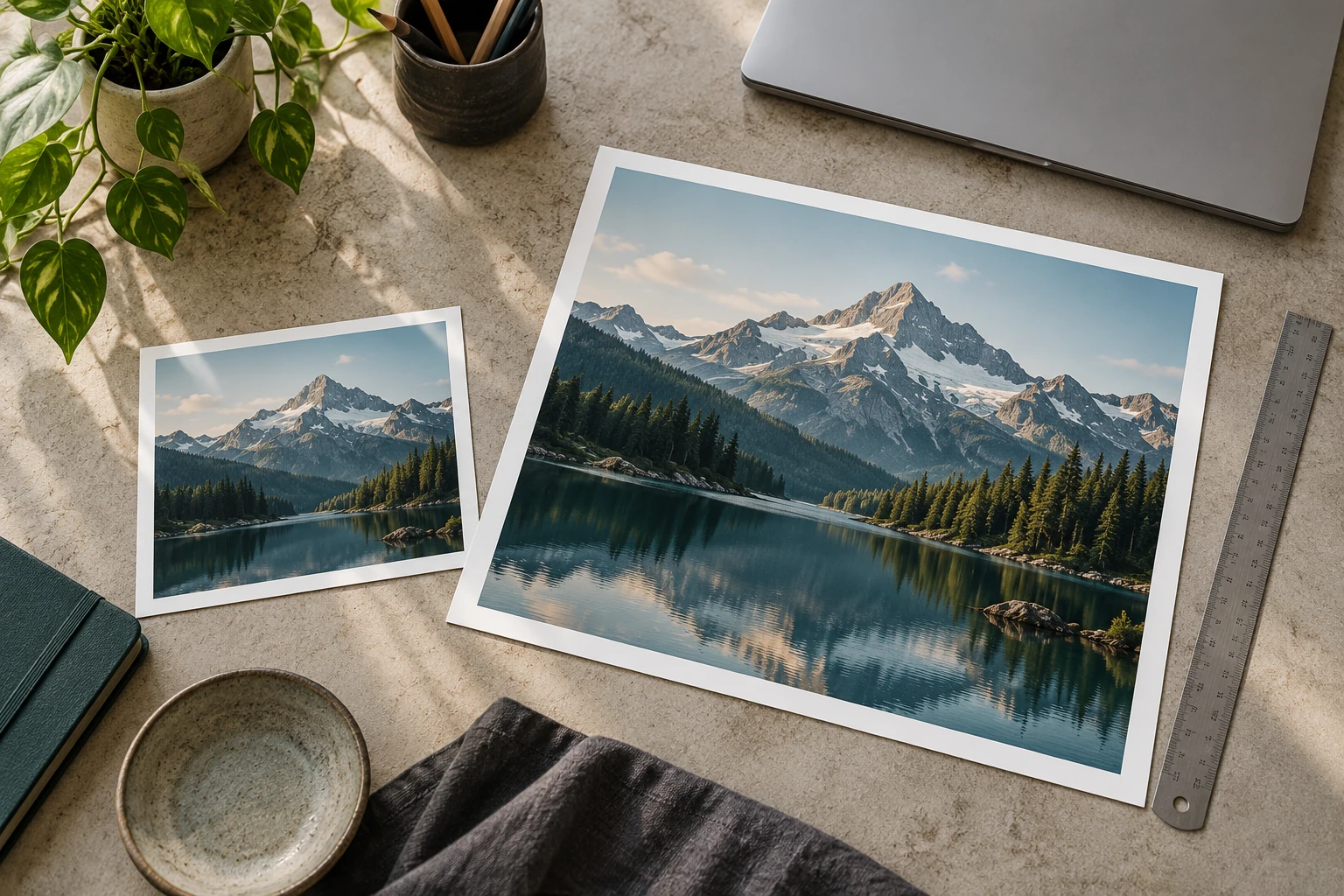
Divide an image's pixel dimensions by the chosen pixels per inch to calculate its print size. A 3,600 × 2,400 pixel file at 300 PPI gives 12 × 8 inches, or 30.48 × 20.32 cm. Those dimensions describe how the existing pixels map onto paper. They do not guarantee a particular level of photographic detail.
The calculator below keeps the original pixel count fixed. Enter the width and height shown in the file's properties, then enter the PPI requested by your print service. Use the result to choose a print size or discover whether a planned print needs a different source file.
Read the actual pixel dimensions
Use the original downloaded or exported file. A preview inside a messaging app may be smaller than the original, and a screenshot of a photo includes only the pixels captured on screen. Check the specific file you intend to upload, including whether it has already been cropped.
Do not use the file size in megabytes to infer print dimensions. Two images with identical pixel dimensions can have different compressed file sizes. Likewise, a large file can contain blur, compression artifacts or empty space. Pixel count is useful planning information; it is only one part of evaluating the image.
Separate resolution metadata from resampling
Adobe's print-dimension guidance distinguishes changing print dimensions and resolution from resampling. With resampling off, the existing pixels are distributed over a different physical size. Increasing the PPI value alone does not create additional captured detail.
For example, the same 3,600-pixel width corresponds to 12 inches at 300 PPI and 18 inches at 200 PPI. The larger placement has fewer source pixels per inch. That arithmetic does not establish whether the larger print is acceptable for your viewing distance, image content and printing process.
Work backward from a frame
Multiply the required inches by the requested PPI to find the pixel dimensions. An illustrative 10 × 8 inch image at 300 PPI needs 3,000 × 2,400 pixels for that mapping. If your file is 3,600 × 2,400, its shape differs: fitting the whole image creates unused space, while filling the area requires cropping.
Decide that crop before calculating final PPI. Removing pixels from the sides can change the available print size. Keep a copy of the uncropped original and export a separate version for the chosen frame. Include any bleed only according to the print service's template; the frame opening and the production canvas are not always identical.
Check the image at the intended use
Inspect faces, fine lettering and edges in the final export. If a flaw matters at the size people will see, a higher number in the resolution field will not fix it. Ask the print provider for its file requirements and proof options when the output is expensive or color-critical.
For a home test, print a small crop at the intended scale instead of shrinking the entire poster to a sheet. This preserves the scale of the detail you are judging. Label the test with its source dimensions, output size and settings so a second version can be compared fairly.
Keep the calculation with the order
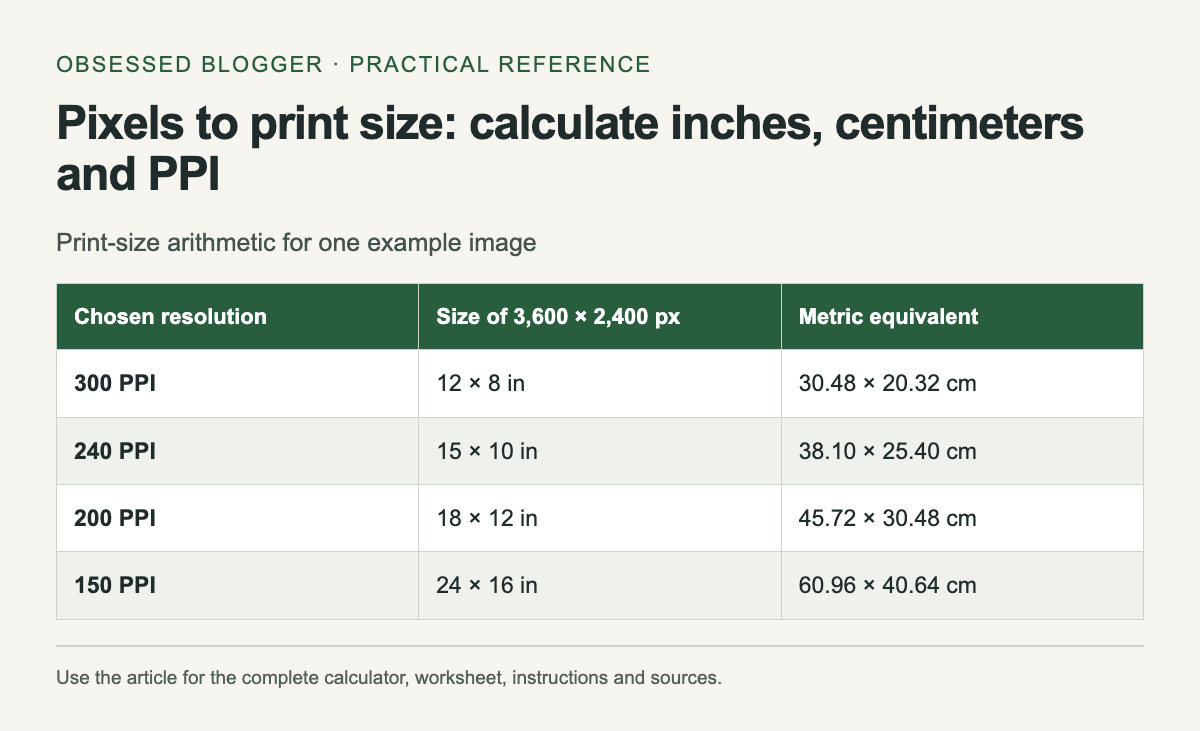
Record source pixels, crop, requested print size and resulting PPI together. Round dimensions only when deciding the physical size; keep the full values during the calculation. The table shows the same hypothetical source at several PPI settings, so you can see the tradeoff without mistaking any one setting for a universal printing rule.
| Chosen resolution | Size of 3,600 × 2,400 px | Metric equivalent |
|---|---|---|
| 300 PPI | 12 × 8 in | 30.48 × 20.32 cm |
| 240 PPI | 15 × 10 in | 38.10 × 25.40 cm |
| 200 PPI | 18 × 12 in | 45.72 × 30.48 cm |
| 150 PPI | 24 × 16 in | 60.96 × 40.64 cm |
Calculate your result
Values stay in this page. The worked example also works without JavaScript.
0 comments:
Post a Comment